Taukah anda, ada lebih dari 95% website tidak menghasilkan keuntungan sama sekali?
Kalau Anda sudah pernah buat website, pasti tahu apa yang sedang kami bicarakan
Jasa Pembuatan Website IKT memastikan website Anda menghasilkan keuntungan
Jasa Pembuatan Website Terbaik di Indonesia
PT Inti Karya Teknologi
Sebagai penyedia jasa pembuatan website yg sudah berpengalaman selama 15 tahun dan sudah memiliki cabang di Jakarta, Surabaya dan Bali, Kami sudah dipercayai oleh lebih dari 3800 klien karena fokus perusahaan kami bukan sekedar mengejar omset, tetapi kami mau menjadi perusahaan yg memberikan dampak positif bagi klien kami. Wujudkan potensi terbesar penghasilan tambahan anda dengan memanfaatkan jasa pembuatan web PT Inti Karya Teknologi.
Kalau tujuan Anda mau mendapatkan penghasilan besar dari website Anda, PAHAMI terlebih dahulu
2 kunci sukses ini!
2 kunci sukses ini!
SELIDIKI : Kalau web developer lain tidak pernah membahas hal ini, Anda perlu meragukan apakah misi mereka adalah mensukseskan website Anda.
TRAFFIC
TIDAK HARUS SEO, Web Developer lain berusaha membuat Anda membeli Jasa SEO mereka yg harganya fantastis, menurut kami tidak semua Perusahaan memerlukan website yg perlu di SEO-kan.
Case Study : Bagi perusahaan yg menjual baju wanita, kami lebih menyarankan mereka menyisihkan uang tersebut untuk iklan di Facebook, karena hampir tidak ada yg beli barang mereka dengan mencari di mesin pencarian GOOGLE.
COPYWRITING
Kalau calon customer masuk ke website Anda dan kompetitor, apakah mereka akan memilih menggunakan produk / jasa Anda? Sia-sia saja kalau website Anda mendapatkan ribuan pengunjung per hari, tapi tidak memberikan penghasilan apapun juga.
Case Study : Selidiki website web developer lain, dan bandingkan dengan website kami yang sudah dilengkapi dengan Copywriting yang baik, itulah alasan 3800 klien lebih memilih kami untuk membuat website bagi mereka.
Apa kata mereka?
“Highly recommended buat yang mau bikin website ke PT IKT ini.”
Saya tau IKT dari hasil google search, sebagai pelayanan jasa pembuatan website, awalnya ragu apakah bisa mengerjakan permohonan pembuatan website saya yang cukup kompleks dalam waktu hanya 3 minggu!, karena sudah tanya ke beberapa agency lain, mereka hanya sanggup untuk mengerjakannya dalam waktu sekitar 2 - 3 bulan. Saya tidak mau kehilangan momentum pembukaan bisnis online saya. Ternyata IKT menyanggupi, dgn harga yg bahkan jauh lebih murah ketimbang agency lain!

Christina Sasmita ( GFO )
101red.com
"Kami sangat puas dengan pelayanannya yang ramah, sopan dan sigap.."
Terimakasih sebelumnya kepada PT. Inti Karya Teknologi yang sudah banyak membantu kami dalam pengurusan web dan seo. Kami sangat puas dengan pelayanannya yang ramah, sopan dan sigap menanggapi permintaan kami. Semoga kerja yang baik ini dijaga kalau bisa ditingkatkan dan dioptimalkan semaksimal mungkin. Akhir kata, terimakasih kami yang tak terhingga kepada semua tim inti karya, sukses selalu
Margaret
Tendasolution.com
"over all sangat puas dengan fitur dan pelayanannya"
Sudah menjadi langganan di PT Inti Karya Teknologi selama bertahun2, over all sangat puas dengan fitur dan pelayanannya, mudah dimengerti bagi pemula sekali pun,semua lengkap ada disini,mulai dari domain,hosting sampai design sekali pun tersedia yg paling disuka staf nya fast respon dan ramah2,terima kasih IKT
Acci Lim
total-healthgym.com
"Terbukti dengan fast respon dari permasalahan yang kita email dan segera memberikan solusi/penyelesaian yang baik dan cepat."
Sampai saat ini kami menilai PT. IKT sangat kooperatif. Terbukti dengan fast respon dari permasalahan yang kita email dan segera memberikan solusi/penyelesaian yang baik dan cepat. Kami harap tetap terjaga dan ditingkatkan kualitas aftersales yang diberikan. Terimakasih.
PT. Arthareka Graha Sarana
arthareka.com
Menyambut tahun 2023, dapatkan discount sampai dengan 50% untuk 10 pelanggan pertama
Kalau anda sudah siap untuk mendapatkan penghasilan tambahan dari website, mohon isi formulir dibawah dengan lengkap dan dapatkan potongan discount sampai dengan 50%.
Cabang Kami
Jl.Tarian Raya Timur Blok X
No.16 A Kelapa Gading
Jakarta Utara 14240
No.16 A Kelapa Gading
Jakarta Utara 14240
info@ikt.co.id
08192-458-458
021-27899-458 / 0819-7373-5537
08192-458-458
Pakuwon Center
Jl. Embong Malang No.1
Tegalsari - Surabaya 60261
Jl. Embong Malang No.1
Tegalsari - Surabaya 60261
sby@ikt.co.id
08197-458-458
08197-458-458
08197-458-458
Case Study
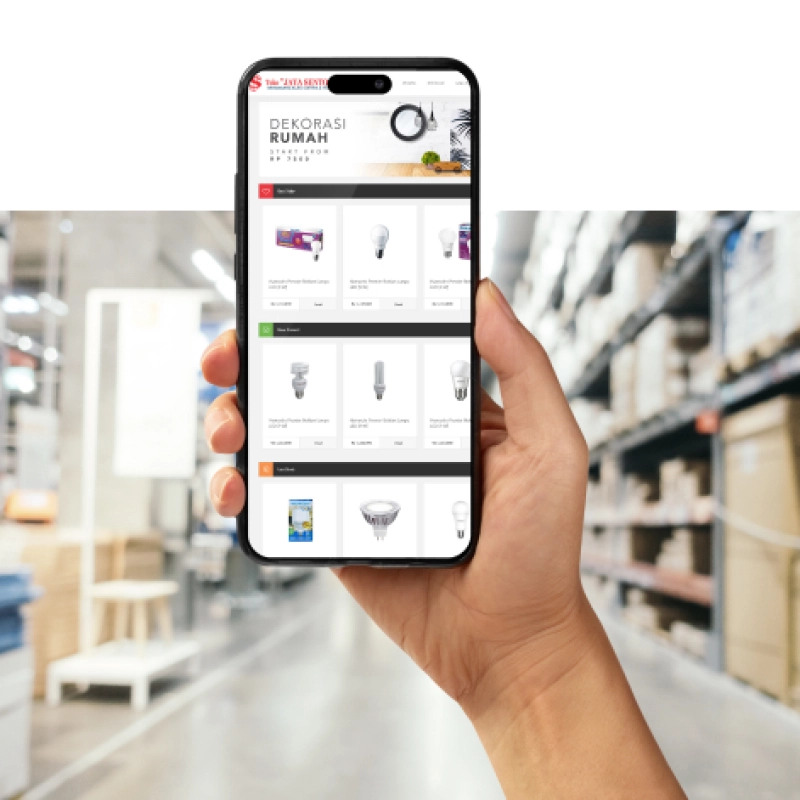
Toko Jaya Sentosa
Toko Listrik Jakarta
Contoh bila kita ketik keyword (di google Search): "Toko Listrik Jakarta", maka yang di posisi teratas adalah website buatan kami yang menggunakan SEO
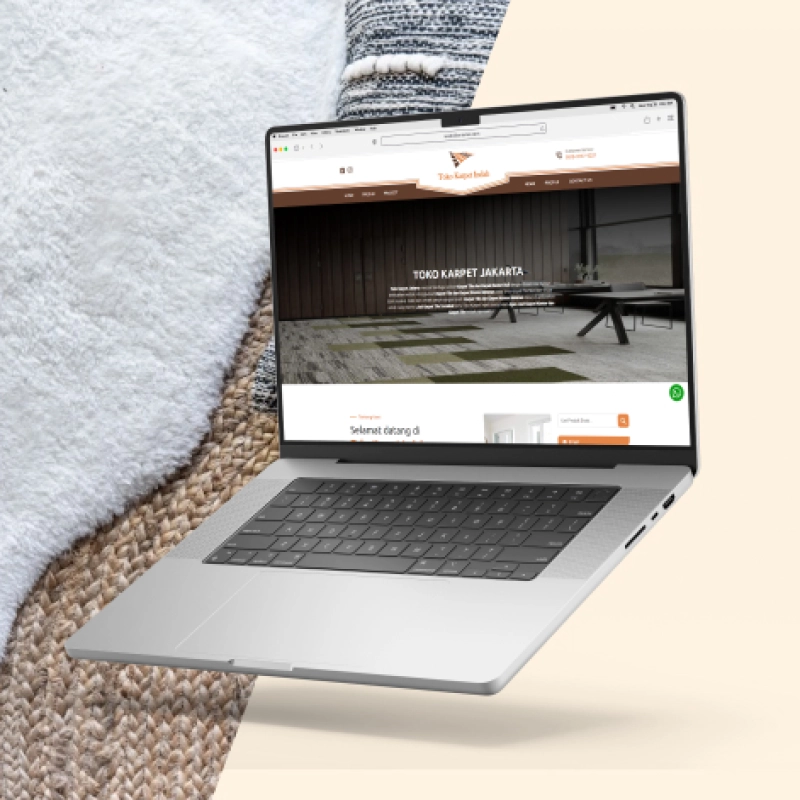
Toko Karpet Indah
Jual Karpet Jakarta
Contoh bila kita ketik keyword (di google Search): "Jual Karpet Jakarta", maka yang di posisi teratas adalah website buatan kami yang menggunakan SEO
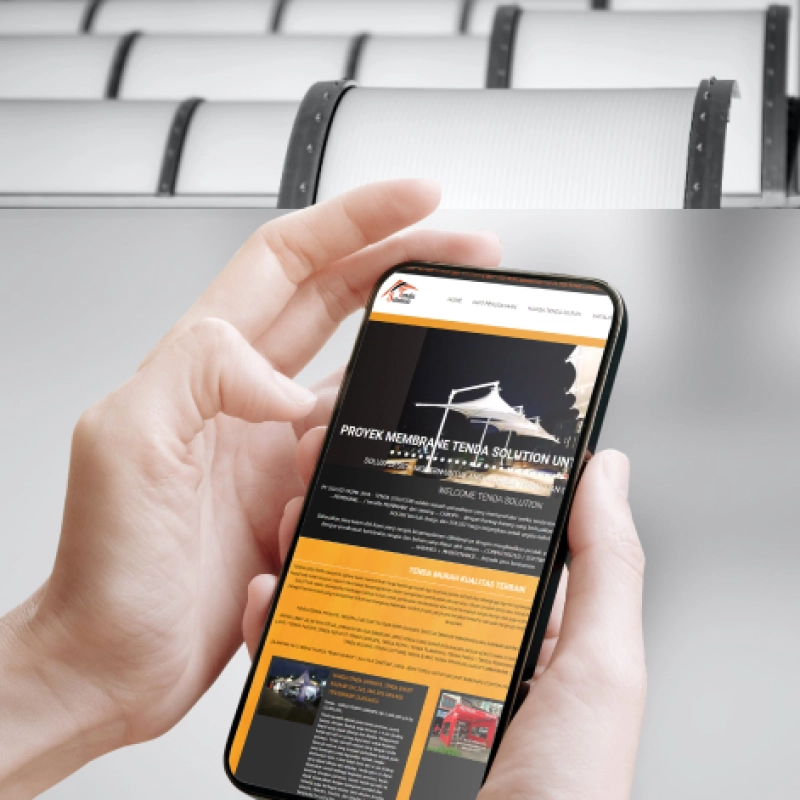
Tenda Solution
Harga Tenda Murah
Contoh bila kita ketik keyword (di google Search): "Harga Tenda Murah" dan "Harga Tenda Terpal", maka yang di posisi teratas adalah website buatan kami yang menggunakan SEO
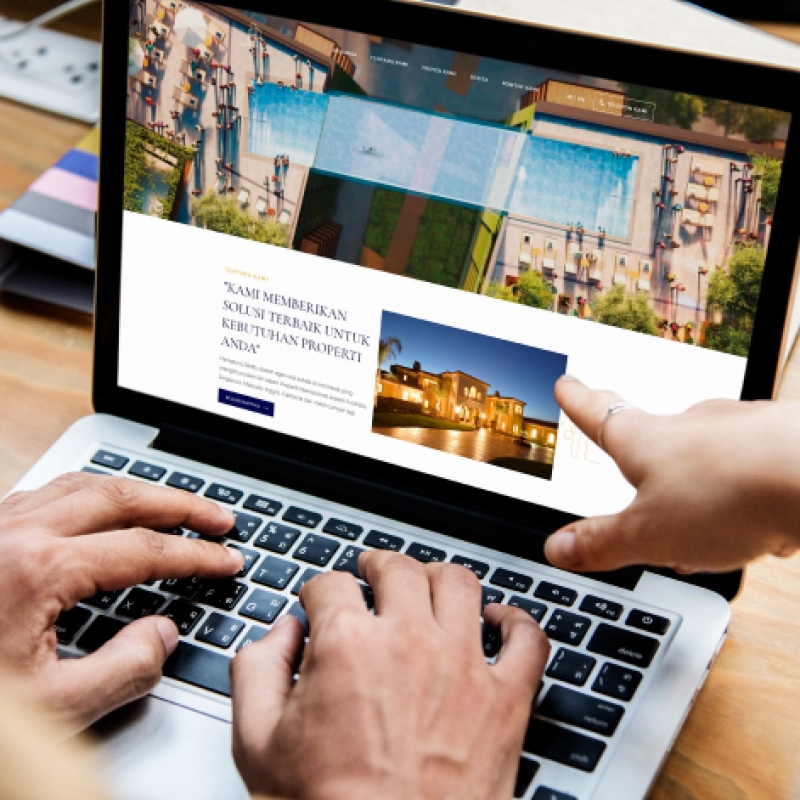
Hampston Realty
Jual Propery Australia
Contoh bila kita ketik keyword (di google Search): "Jual Property Australia" dan "Jual Properti Australia dan Negara Lain", maka yang di posisi teratas adalah website buatan kami yang menggunakan SEO
Our Blogs
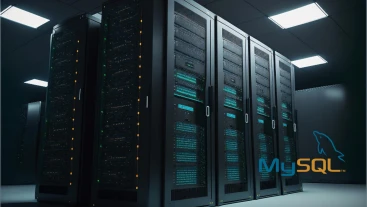
Database MySQL InnoDB Cluster Menjadi Percona XtraDB Cluster
UPDATED
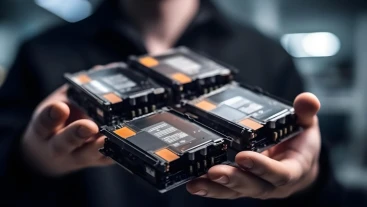
Upgrade HDD SAS-SCSI dan SSD menjadi 4 x NVMe SSD 1.8TB
UPDATED

Reputasi IP Baru Dan Terproteksi Menjamin Email Anda Lebih Sering Masuk Ke Inbox
UPDATED
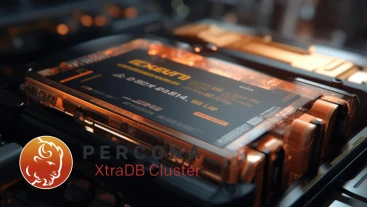
Node Percona Menggunakan RAM DDR4 Storage
UPDATED
Company Profile
PT Inti Karya Teknologi adalah sebuah perusahaan badan hukum perseroan terbatas (PT) yang didirikan pada tahun 2004. Berawal dari bisnis komputer, kemudian kami memfokuskan diri di bidang website. Dari tahun 2007- hingga sekarang kami telah melayani lebih dari 3800 klien.
Kami tidak akan pernah berhenti melakukan pengembangan teknologi engine website kami, untuk memastikan bahwa setiap klien kami selalu menjadi yang terbaik dan terdepan.
Kami tidak akan pernah berhenti melakukan pengembangan teknologi engine website kami, untuk memastikan bahwa setiap klien kami selalu menjadi yang terbaik dan terdepan.
Sebagai bentuk komitmen dalam menyajikan produk dengan kualitas terbaik, kami menghadirkan Web Engine V3 System. Sebuah inovasi terbaru & termutakhir di bidang web development yang mengimplementasikan teknologi WEB terkiniuntuk memberikan kualitas serta kapabilitas yang lebih dari engine website manapun.

Clients





Awards




Media